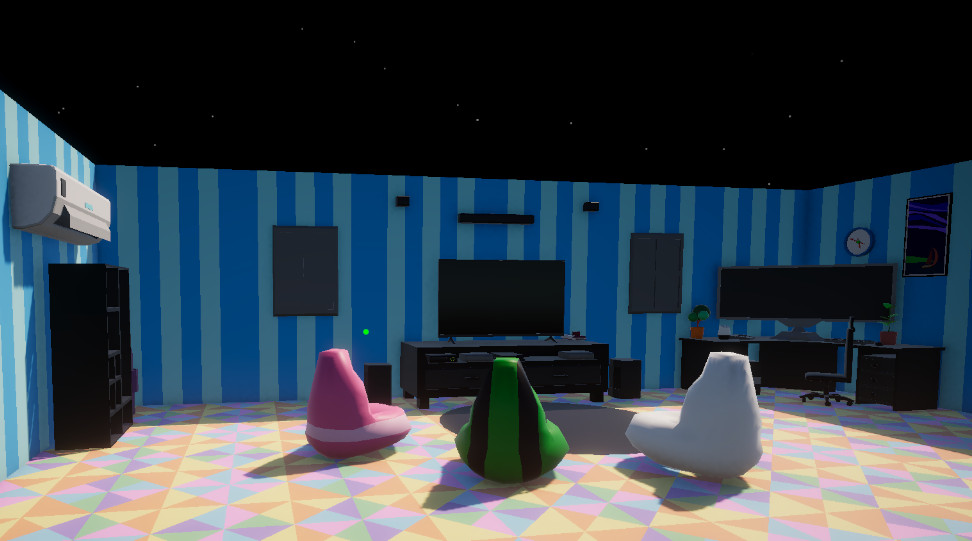
Echo Systems Lab - Systems Overview
A modular Unity systems lab built around a hub, mission terminal, weapon trials, save progress, player feedback, audio routing, and reusable gameplay subsystems.
- Unity 6
- C#
- Systems Architecture
- In Development
Reusable gameplay systems, architecture experiments, and technical breakdowns from Echo Systems Lab and related projects. This section focuses on the code behind the play: mission flow, weapon handling, progression, audio, input, interaction, UI, and player feedback.
Echo Systems Lab is a Unity project built to demonstrate connected, reusable gameplay systems in a professional-style test environment.
A modular Unity systems lab built around a hub, mission terminal, weapon trials, save progress, player feedback, audio routing, and reusable gameplay subsystems.
Systems that control mission flow, player progression, object interaction, and the structure connecting scenes together.
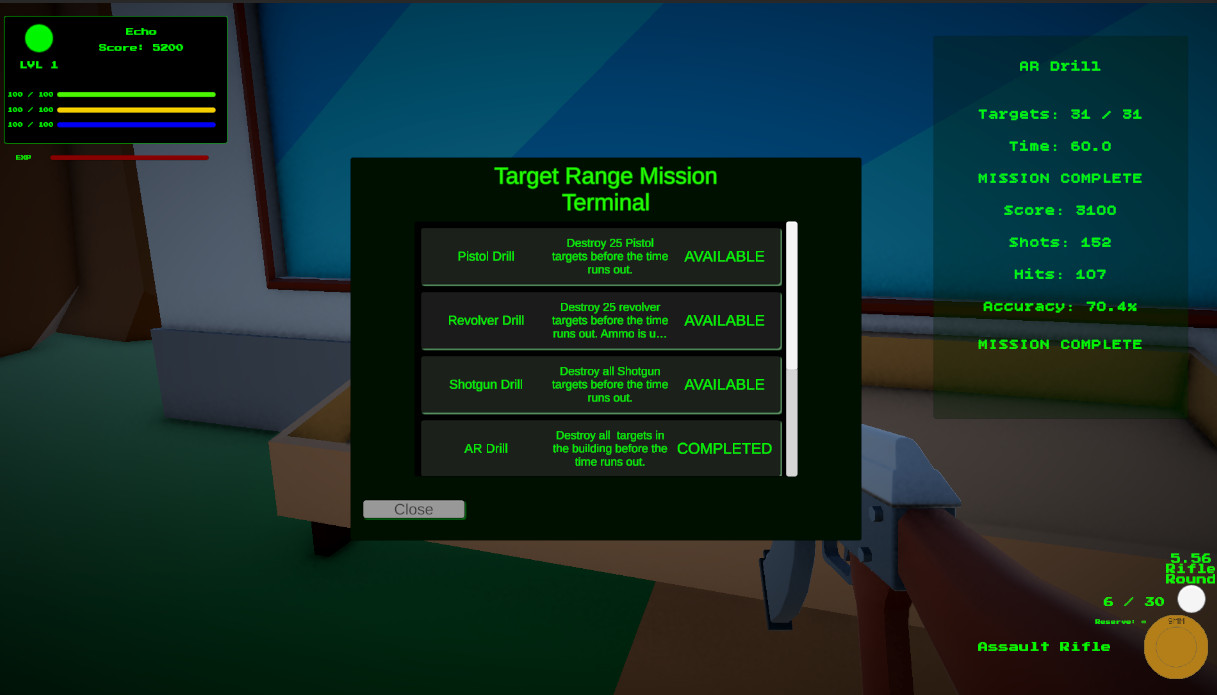
A data-driven mission selection system using ScriptableObjects, unlock requirements, dynamic UI generation, and persistent completion state.
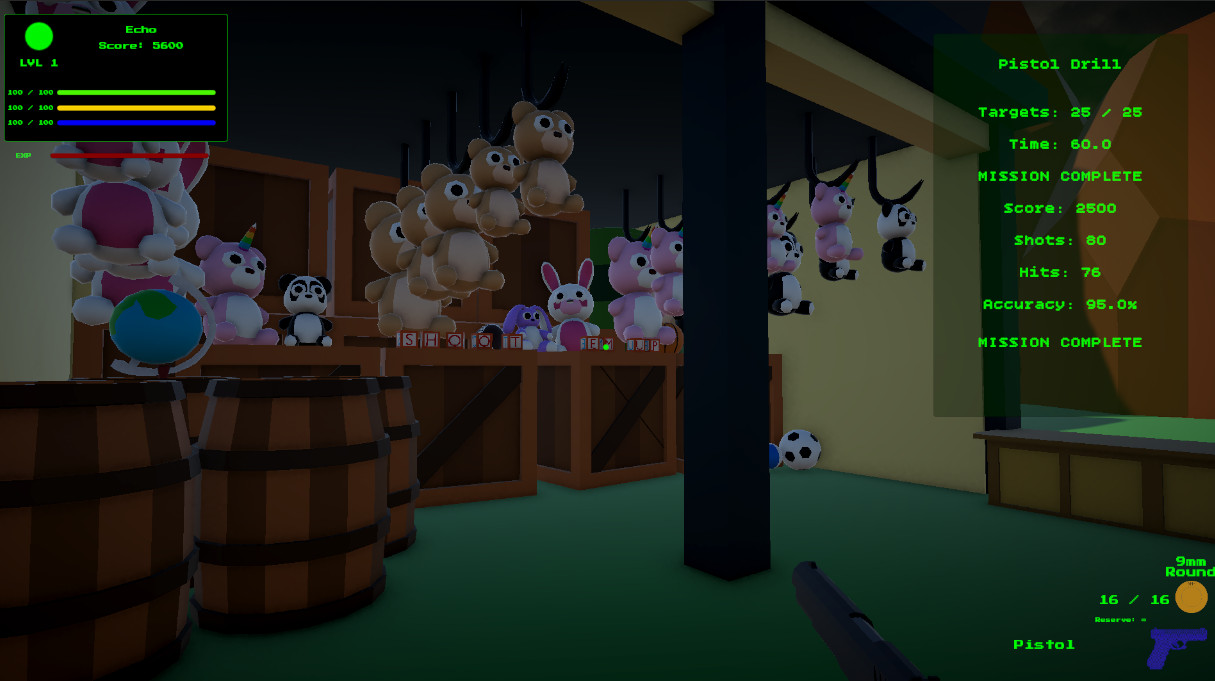
Persistent player progress tracking for completed missions, unlocked weapons, active loadout data, weapon XP, and hub-to-trial progression.
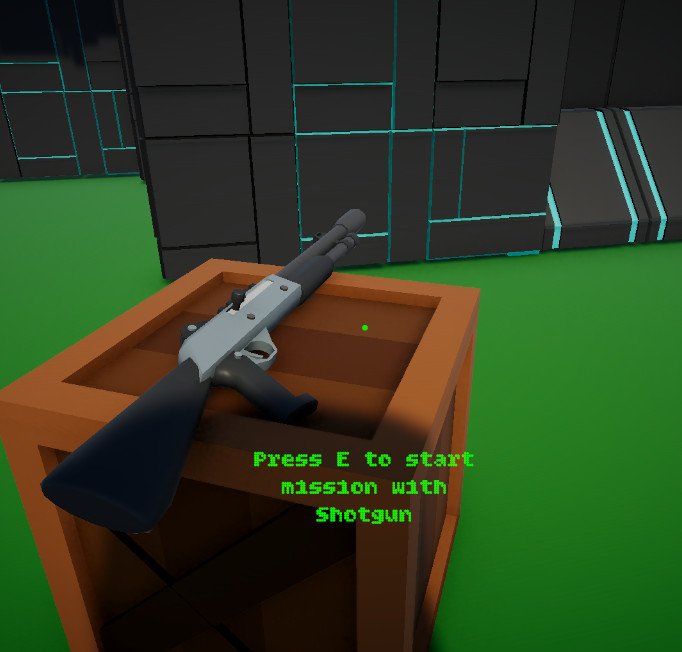
A reusable raycast-based interaction framework for mission terminals, weapon pedestals, prompts, and interactable world objects.
Runtime systems for timed drills, target objectives, scoring, mission state, completion, and trial progression.
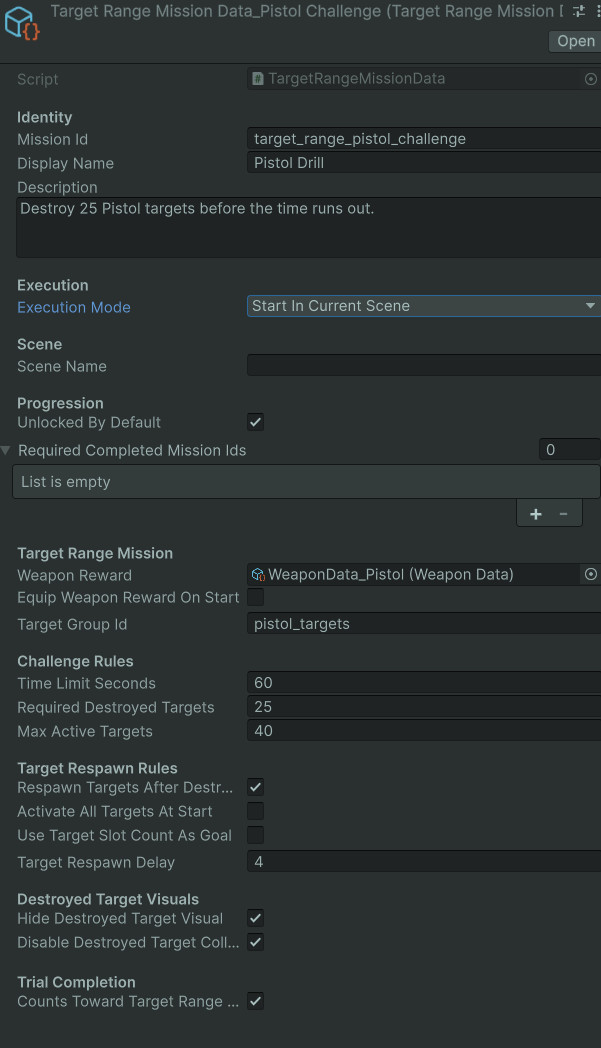
A state-driven mission controller for timed weapon drills, HUD updates, score tracking, accuracy stats, trial completion, and return-to-hub flow.
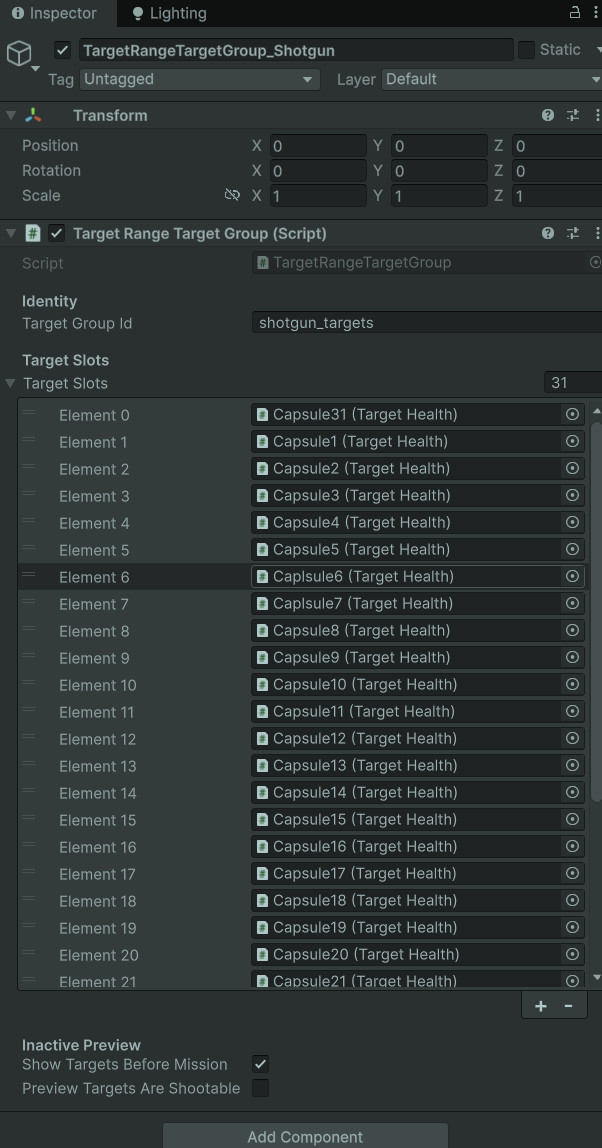
A flexible target group system supporting respawning drills, destroy-all objectives, hidden destroyed targets, disabled colliders, and persistent broken-state visuals.
Weapon systems focused on data-driven behavior, loadouts, aim feel, view model feedback, reload flow, and player readability.
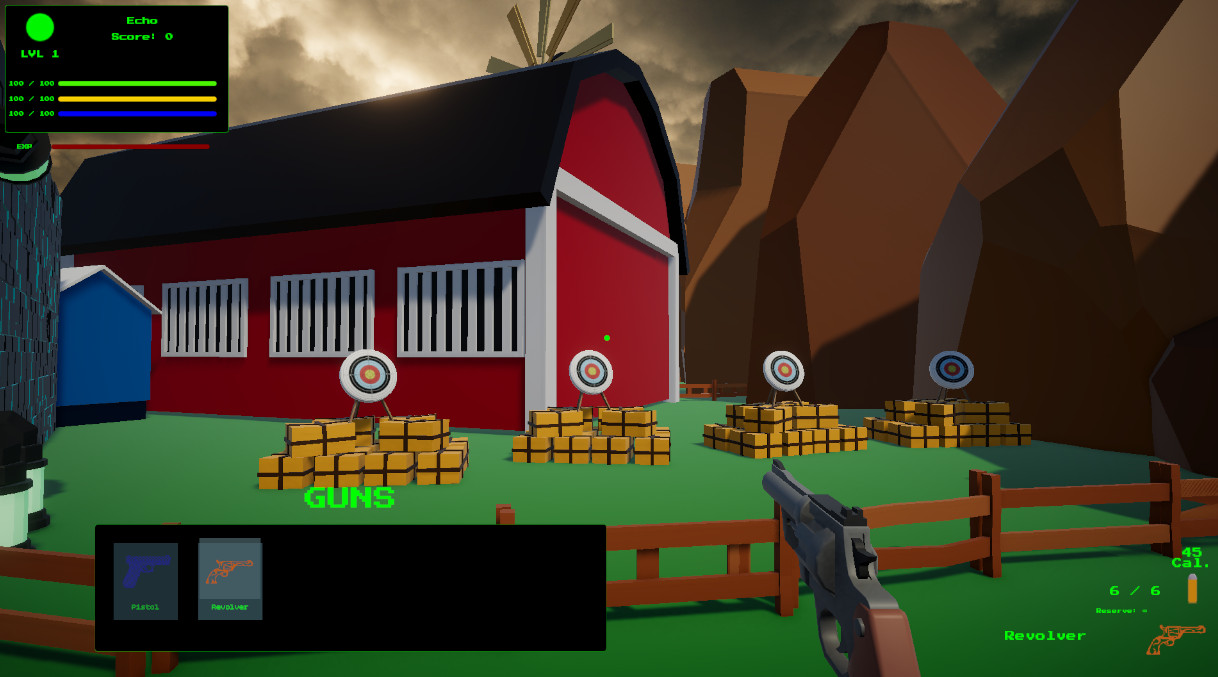
A data-driven weapon architecture with owned weapon collections, temporary mission weapons, loadout cycling, ammo definitions, reload modes, and mission-specific restrictions.
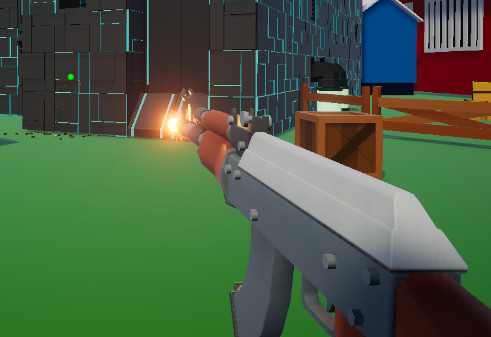
A modular view model feedback system for kickback, recoil, reticle motion, muzzle flash, reload hooks, dry fire feedback, idle bob, and movement sway.
Supporting systems that turn raw gameplay into something responsive, readable, and easier to tune.
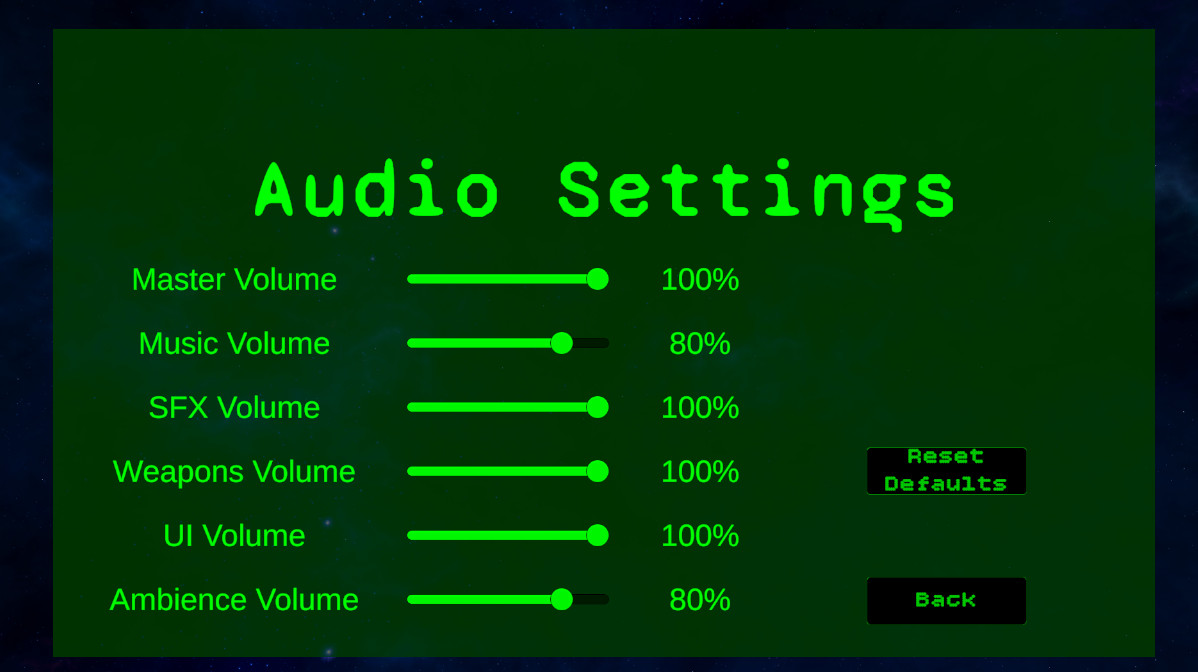
A refactored audio architecture using reusable audio event data, weapon audio data, music management, ambience layers, UI sounds, mixer routing, and volume settings.
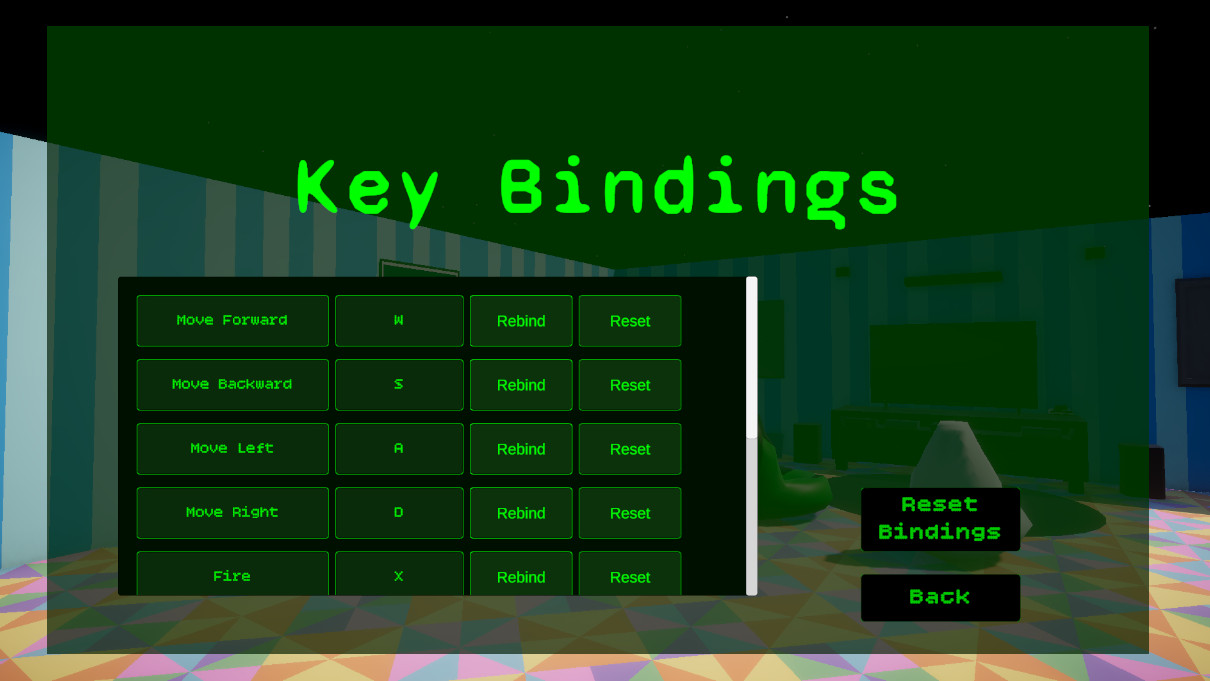
A Unity New Input System wrapper for player input, gameplay input locking, pause behavior, key rebinding, and saved binding overrides.
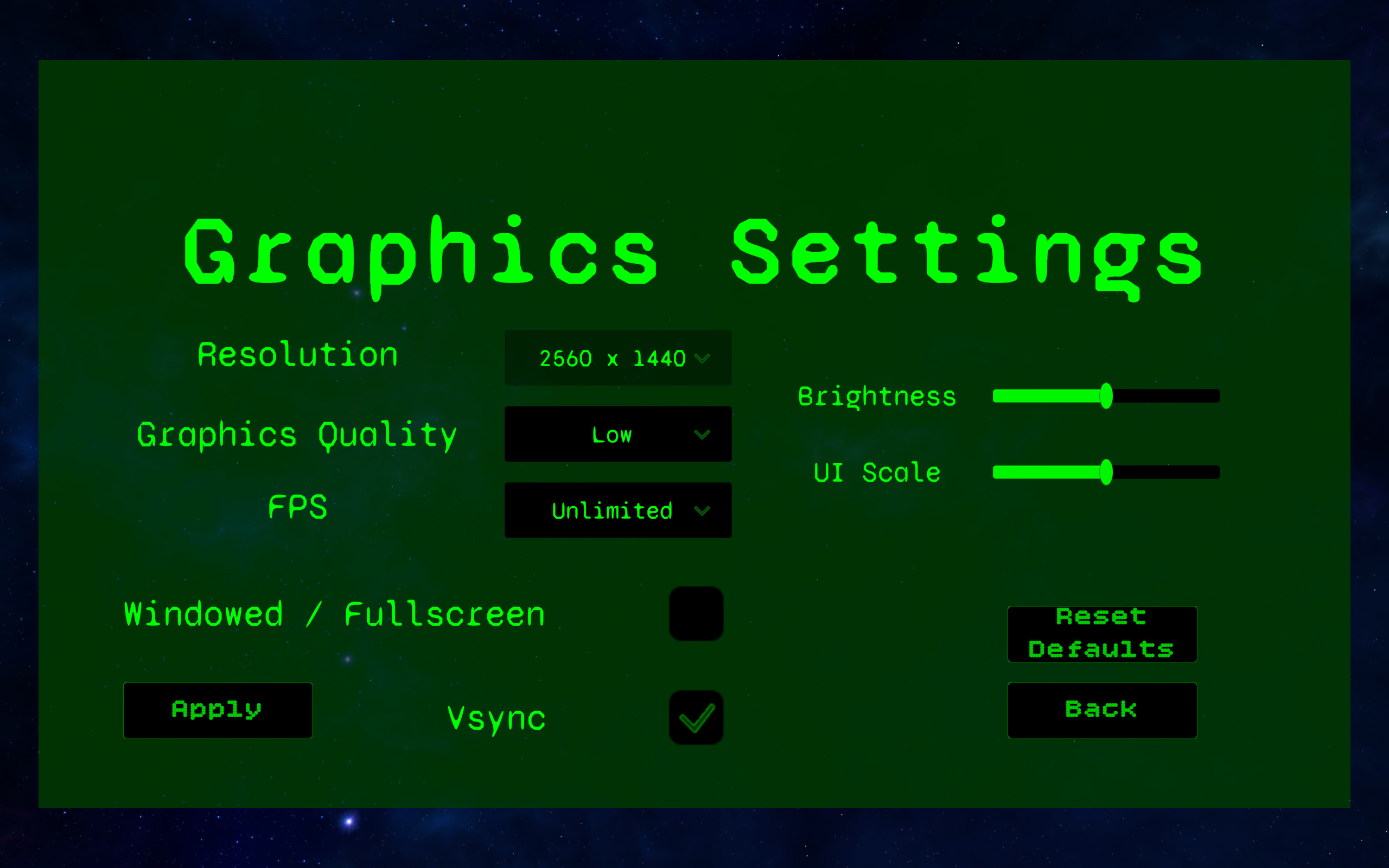
A player-facing settings system for resolution, fullscreen/windowed mode, quality presets, VSync, FPS cap, brightness, UI scale, reset defaults, live preview, and persistent preferences.